Collect, train, deploy: ARX's ROS 2 imitation-learning pipeline
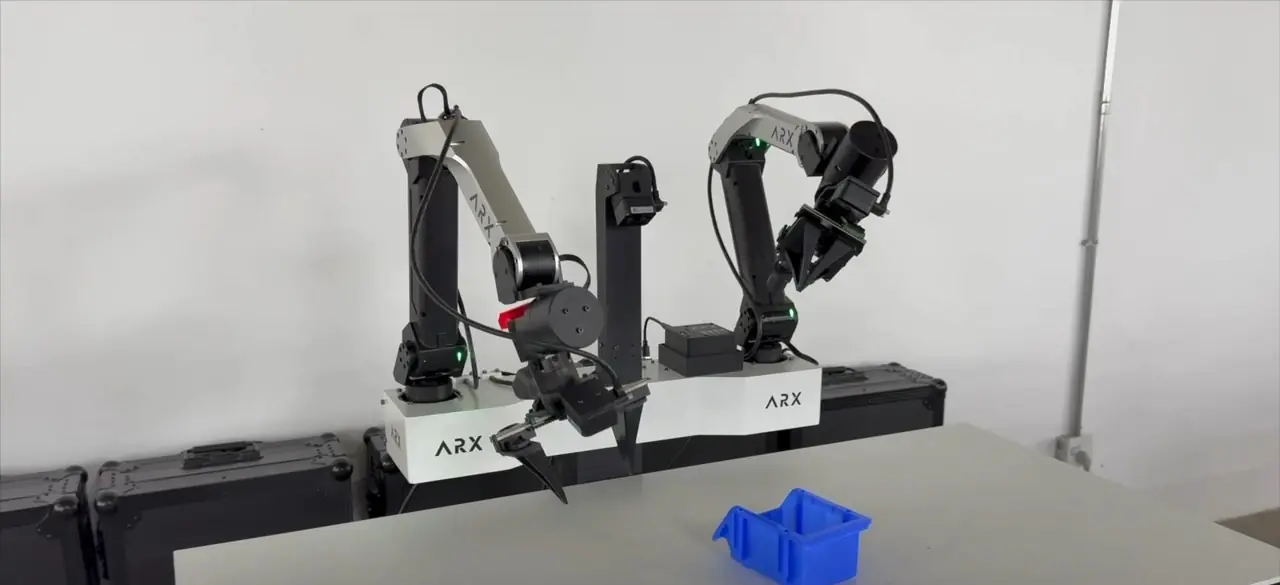
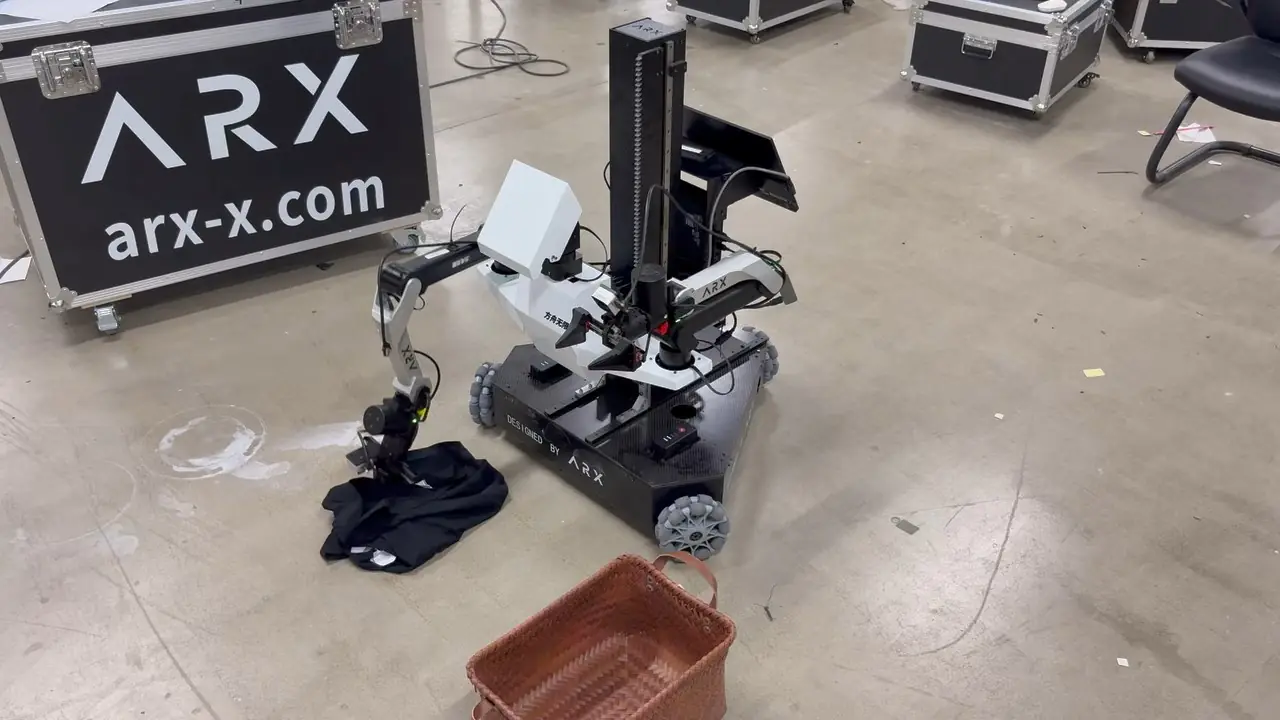
Short answer: ARX ships each data-collection system with two packages, a control SDK and an imitation-learning SDK. After setup, the loop is three scripts in the imitation-learning package's tools folder: 01_collect.sh to record by teleoperation, 02_train.sh to train an ACT-based policy, and 03_inference.sh to run it. The pipeline runs on ROS 2 only.
Supported systems
| System | Control SDK | Imitation-learning SDK |
|---|---|---|
| AC one | ARX_X5 | ROS2_AC-one_Play |
| LIFT2s | LIFT | ROS2_LIFT_Play |
| X7s | X7s | ROS2_X7s_Play |
The X5-based first-generation LIFT is also compatible. The older R5-based LIFT is not.
Computer and operating system
- Ubuntu 24.04 with ROS 2 Jazzy is recommended; Ubuntu 22.04 with ROS 2 Humble also works. Install the desktop version.
- An NVIDIA GPU with its driver installed; confirm with
nvidia-smi. - On Ubuntu 22.04, ARX notes that
libstdc++.6.0.29must be removed from theactconda environment'slibfolder.
Setup in order
- Control SDK environment: run the scripts in the control SDK's
toolsfolder in order. - Imitation-learning environment: run its setup scripts in order, each in a new terminal.
- Build: in the control SDK's
00-shfolder (ROS 2), run01make.sh, wait for every window to finish, then02make.sh. AC one has no02make.sh. - Cameras: build Intel's librealsense, copy its udev rules, install
ros-$ROS_DISTRO-diagnostic-updaterandros-$ROS_DISTRO-image-transport-plugins, then run the camera search script and write the serial numbers in the order head, left arm, right arm. Every camera should report USB 3.2.
CAN map
| System | Left arm | Right arm | Body (lift and base) | Buttons |
|---|---|---|---|---|
| AC one | can1 | can3 | — | can6 |
| LIFT2s | can1 | can3 | can5 | — |
LIFT and X7 ship configured; for X7s channel numbers, follow ARX's CAN manual for your unit. To rebind, follow ARX's CAN manual: search, edit arx_can.rules, set, then start each channel.
The loop
- Collect:
01_collect.sh. On AC one, press 2 to go to the start pose, 1 to start ("Go"), 2 to reset and save ("Safe"). On LIFT2s and X7s, a long press on the arm reset starts and saves an episode. - Train:
02_train.shshows a progress bar and writes model files when done. - Deploy:
03_inference.sh, then press Enter in the inference window to start.
Useful settings
- Fixed lift height (LIFT2s, X7s): set in
arx_lift_controller/src/lift_controller.cpp, for collection and for inference. Rebuild after changing it. - Head pose (LIFT2s, X7s): set in radians in the same controller.
- Base: command on
/body_control, read feedback on/body_information. - Several robots on one network: add
export ROS_DOMAIN_ID=<number>to~/.bashrcwith a different number per robot, then restart.
What to expect from the open model
ARX migrated ACT into this pipeline and open-sourced it so developers can run the whole flow. ARX also states that the models in its promotional videos are not the original ACT and that the open code will not match their generalization or smoothness. ARX's manual notes that its after-sales technical support does not cover the imitation-learning code. Treat it as a working baseline and bring your own model.