How to set up a bimanual data-collection station
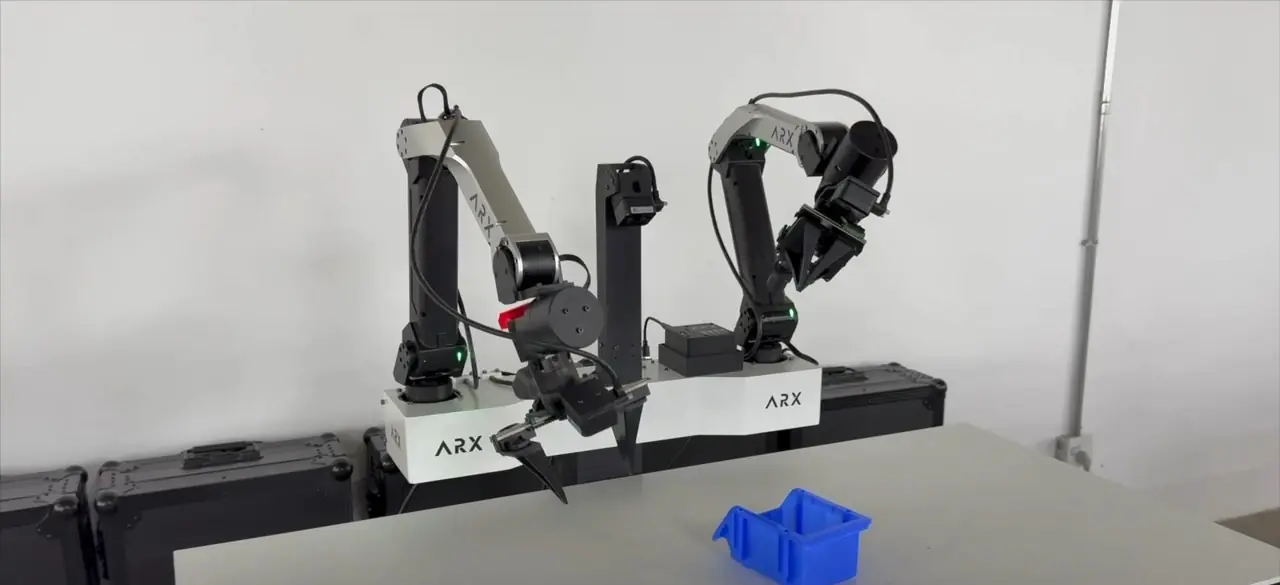
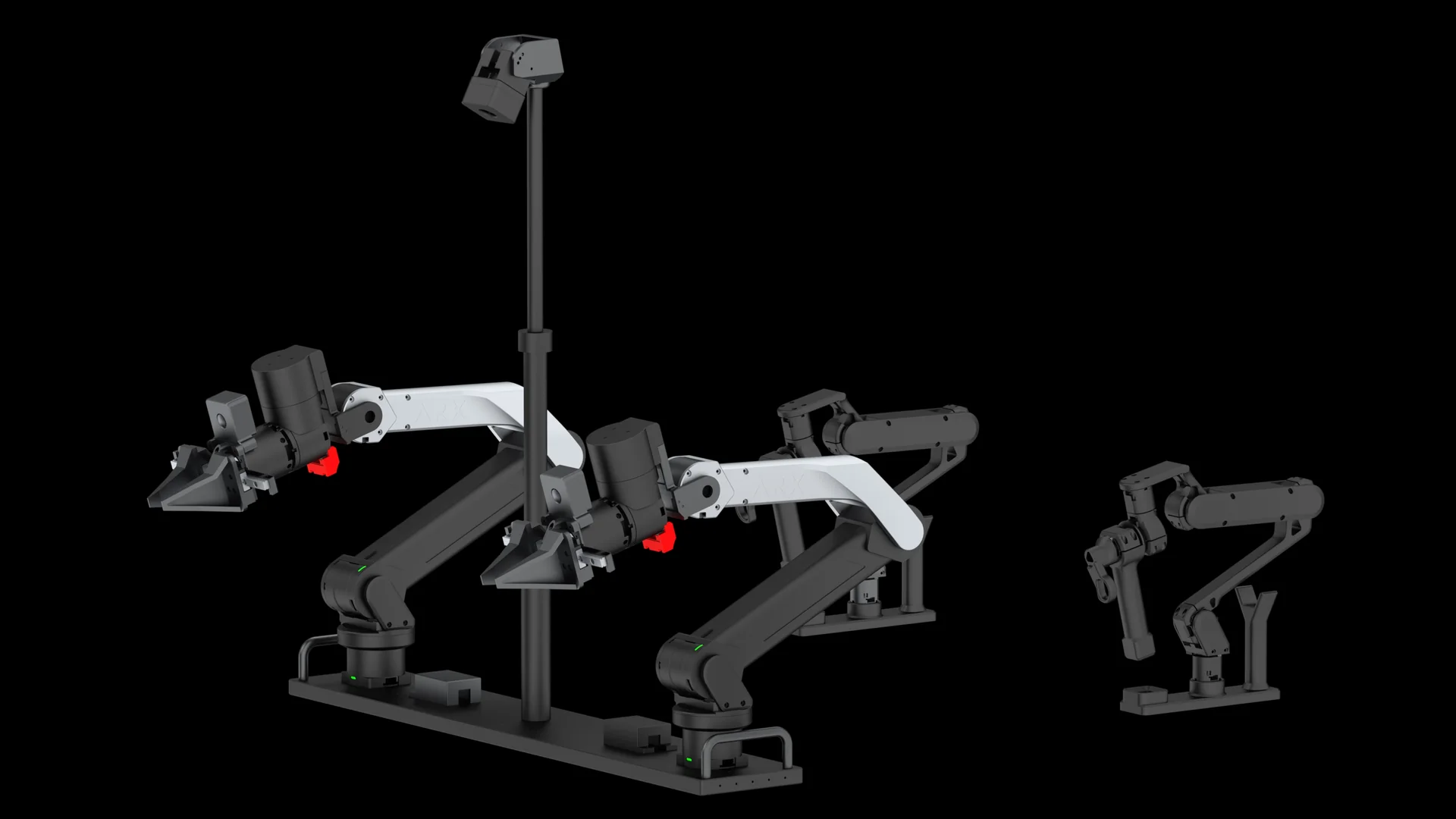
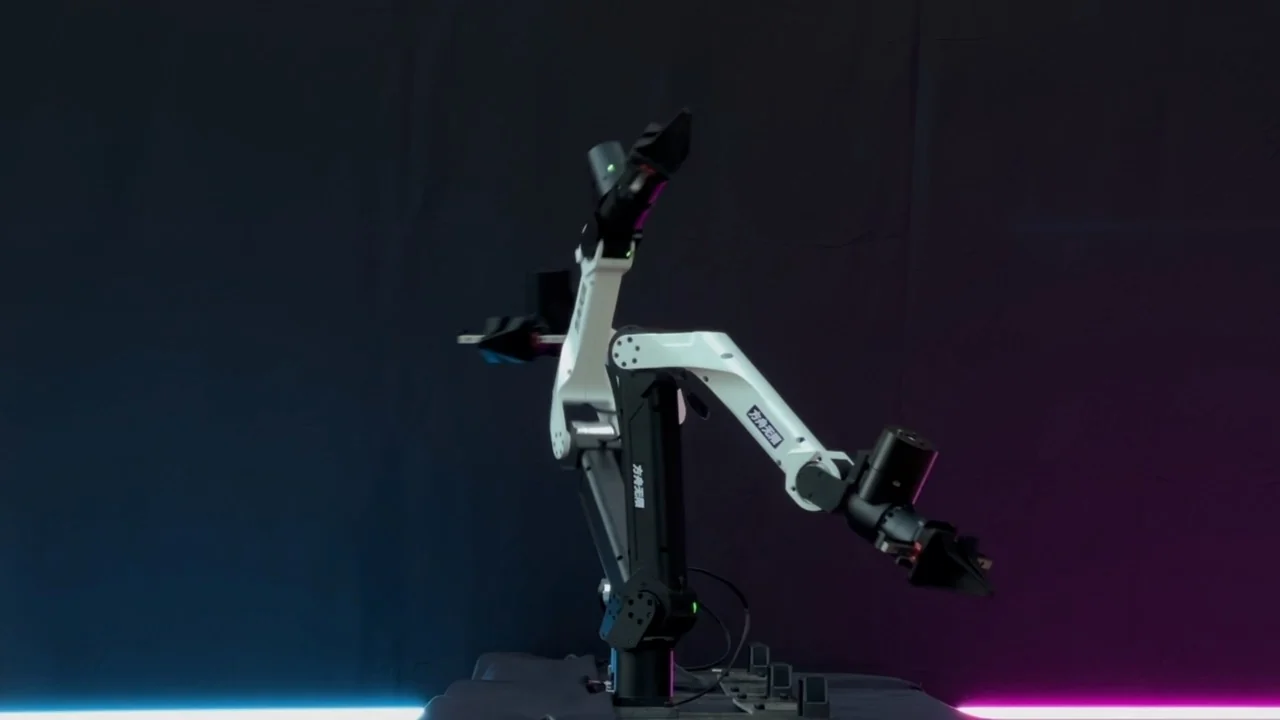
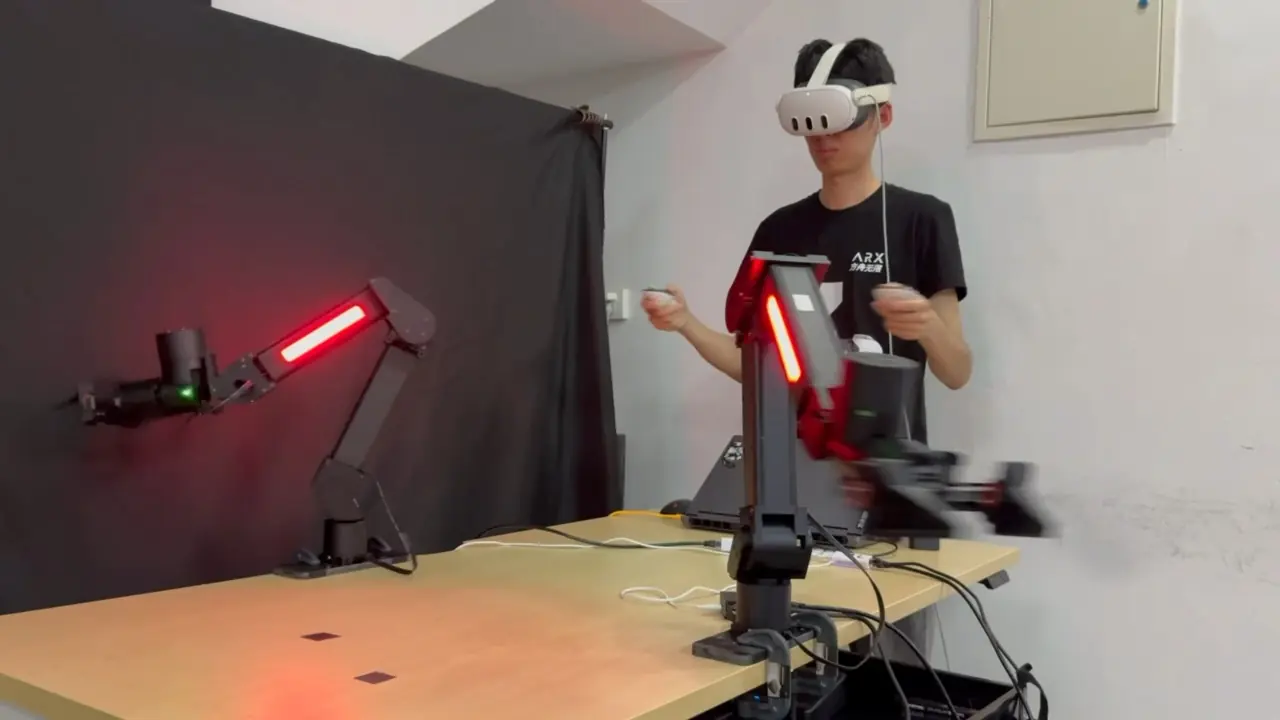
Short answer: a bimanual station is two follower arms, two leader arms, two or three cameras, a Linux computer with an NVIDIA GPU, CAN adapters and recording software. ARX's documented setup uses Ubuntu 24.04 with ROS 2 Jazzy, Intel RealSense D405 cameras on the head and both wrists, a fixed CAN channel per arm, and three scripts: collect, train, deploy.
Parts list
| Part | ARX's documented choice | Notes |
|---|---|---|
| Follower arms | 2 × 6-DoF ARX arms | The bimanual platform or AC one |
| Leader arms | 2 | Included with the bimanual platform |
| Cameras | Intel RealSense D405, head + left wrist + right wrist | USB 3 ports; at most two cameras per USB hub |
| Computer | Ubuntu 24.04, NVIDIA GPU with driver installed | Check the driver with nvidia-smi |
| ROS 2 | Jazzy on 24.04, Humble on 22.04 | Install the desktop version, not the minimal one |
| Bus | CAN, one channel per arm | Left arm can1, right arm can3 on AC one and LIFT2s |
Step by step
- Mount the arms. Clamp the base to a stable table. ARX's X5 guide asks for a clear area with a 1 m radius around each arm's base.
- Install the operating system and GPU driver. Ubuntu 24.04 is ARX's recommendation. Run
nvidia-smito confirm the driver. - Install the control SDK and the imitation-learning SDK. For each ARX product there is a control package and a matching imitation-learning package on GitHub. Run the setup scripts in each package's
toolsfolder in order. - Bind each arm to a fixed CAN channel. Plug in one arm at a time, run
searchto read the adapter's serial number, copy it intoarx_can.rules, runset, then start the channel (for examplearx_can1). Binding stops the channels from changing order after a replug. - Set up the cameras. Build Intel's librealsense, add its udev rules, then run ARX's camera search script. Write each camera's serial number into the camera config in the order head, left arm, right arm, and confirm every camera reports USB 3.2.
- Record. Run
01_collect.sh. On AC one, press 2 to go to the start pose, 1 to start (the computer says "Go"), and 2 to reset and save (it says "Safe"). - Train. Run
02_train.sh. ARX's open-source training code is migrated from ACT. - Deploy. Run
03_inference.shand press Enter to start the policy.
Full commands and file paths are in collect, train, deploy.
Be realistic about the model
ARX says plainly that its open-source ACT code is there so developers can run the whole loop, and that the models in its demo videos are not the original ACT. Use the open code to validate your station, then bring your own model or tune it for your tasks.
Running more than one station
- Isolate stations on the network. Add
export ROS_DOMAIN_ID=<number>to each computer's~/.bashrc, with a different number per station, then restart. - Use the same CAN map everywhere. Operators and scripts then behave the same on every station.
- Standardize the start pose and camera order. Most bad episodes come from small differences between stations.
For many identical stations, see data collection at scale.